
Design the checking page
Texts in several languages, colours, layout, your own mascot or logo, and a live preview of every state: checking, success, denied and error.
Checking page settings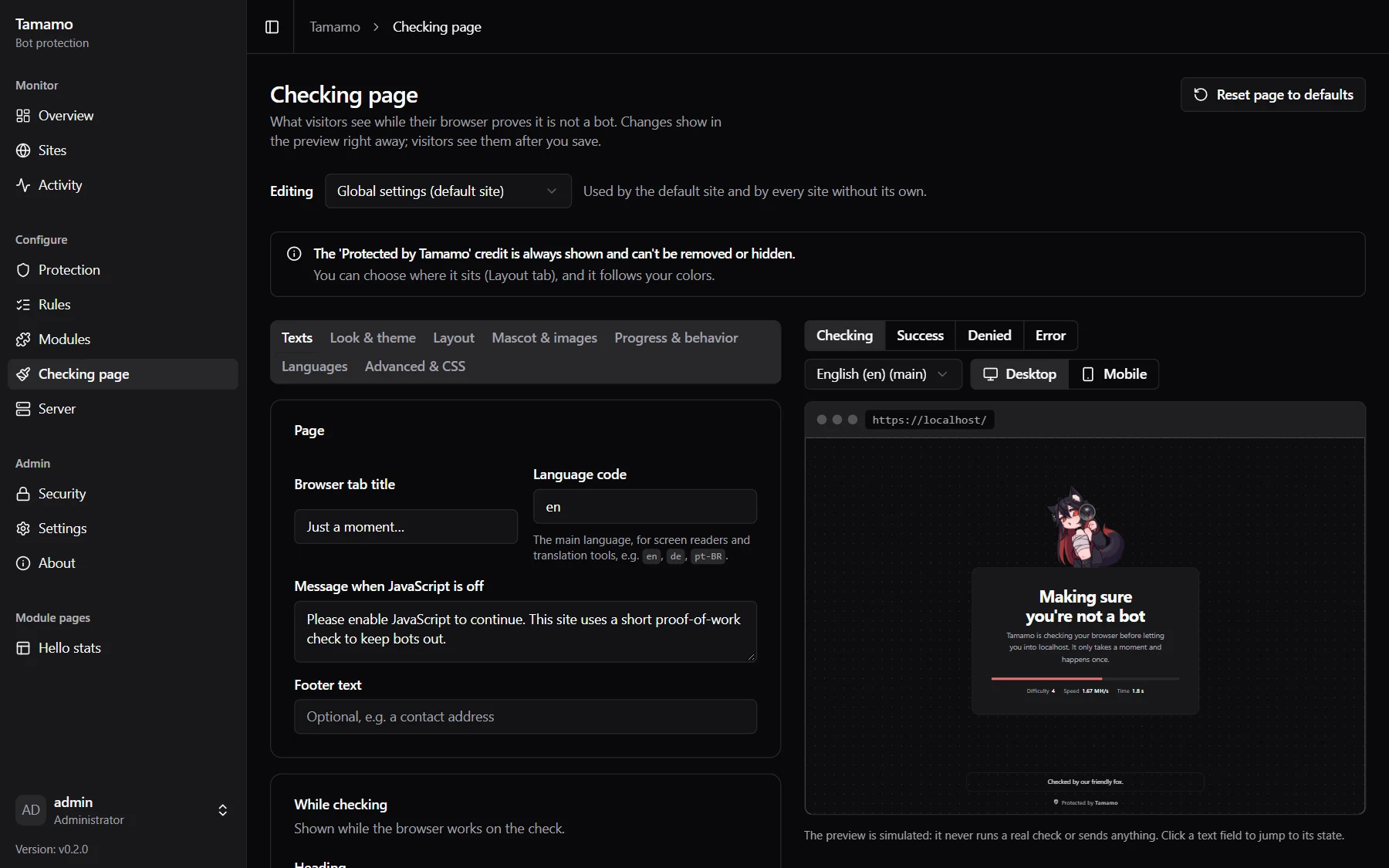

A self-hosted reverse proxy that asks each browser to solve a small proof-of-work puzzle before it reaches your site. People wait well under a second. Scrapers that won't do the work stay outside.
Your browser is about to run the same worker Tamamo sends to visitors. It hashes the text below with a counter until the SHA-256 hash starts with enough zeros. Change the text and it starts again.

Checking your browser…
About 65,536 tries on average at difficulty 4. Tamamo checks the answer with one.
sha256("example.com" + counter)
A real recording of Tamamo in front of a test site. The page is yours to design: texts in any language, colours, layout and your own pictures. The Protected by Tamamo line stays.
First, a request comes in
Visitors connect to port 8923, usually behind nginx, Caddy or Traefik. Tamamo reads the host, path, user agent and IP address.
GET /products
The admin UI is a second, optional container. It edits the same settings file and never touches visitor traffic.
Texts in several languages, colours, layout, your own mascot or logo, and a live preview of every state: checking, success, denied and error.
Checking page settingsMatch on paths, hosts, user agents, headers or methods, with wildcards or regular expressions. The first match decides, and the tester tells you which rule a request would hit.
How rules work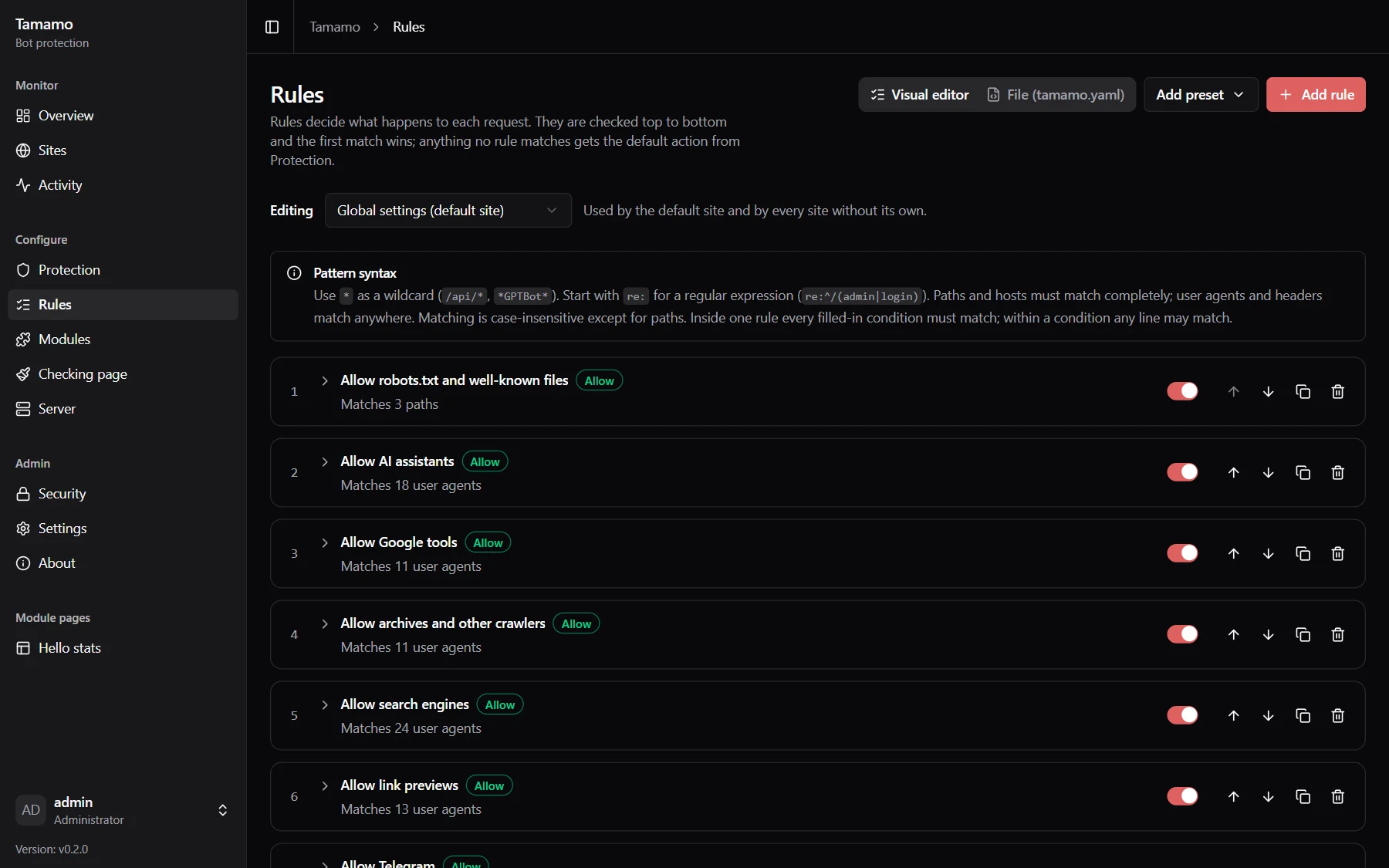
Each site gets its own host names, upstream, difficulty, rules and checking page. Unknown hosts fall back to the default.
Sites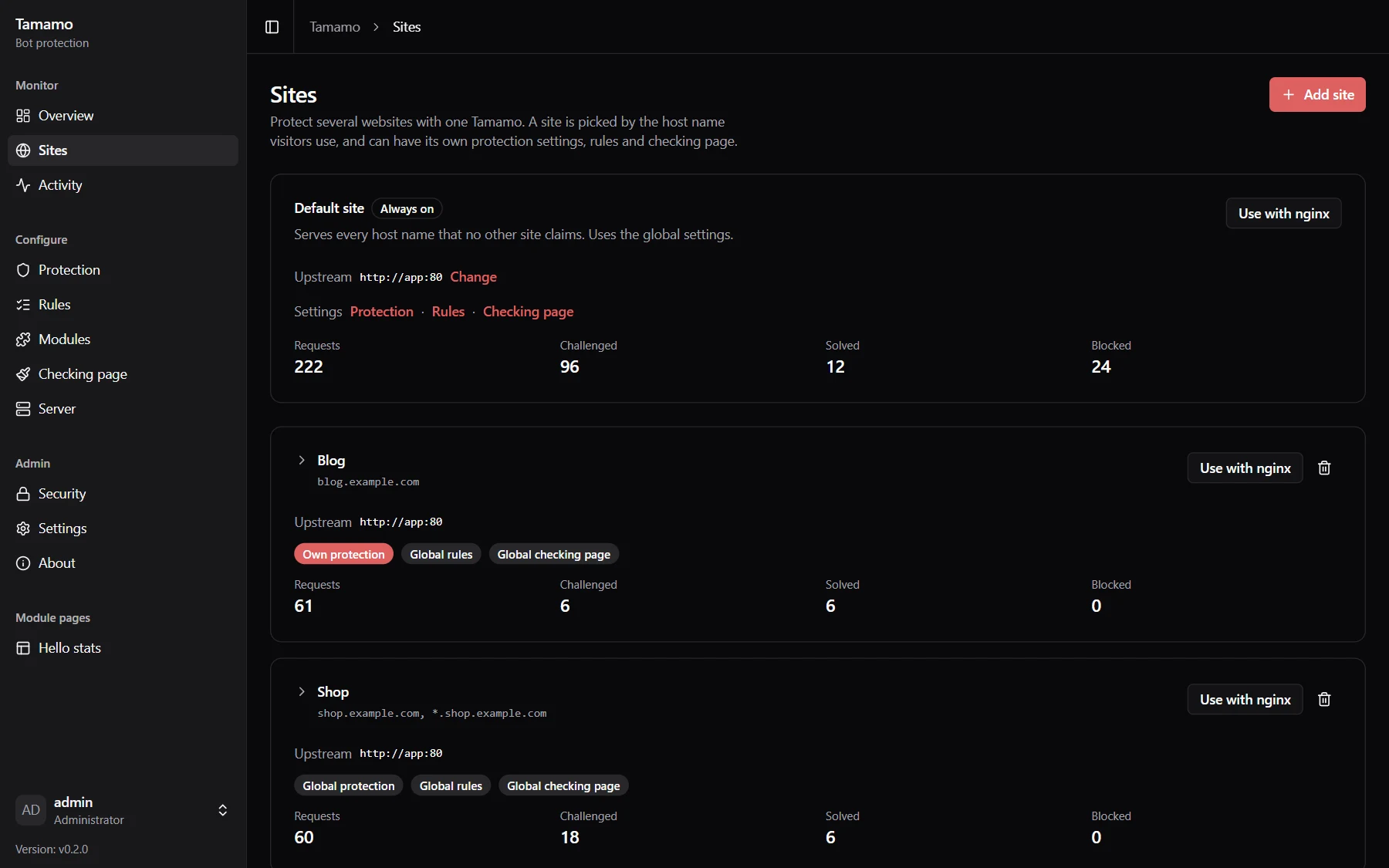
Compile your own checks, page content, endpoints and admin screens into Tamamo. The web UI builds each module's settings form from the fields it declares.
Write a module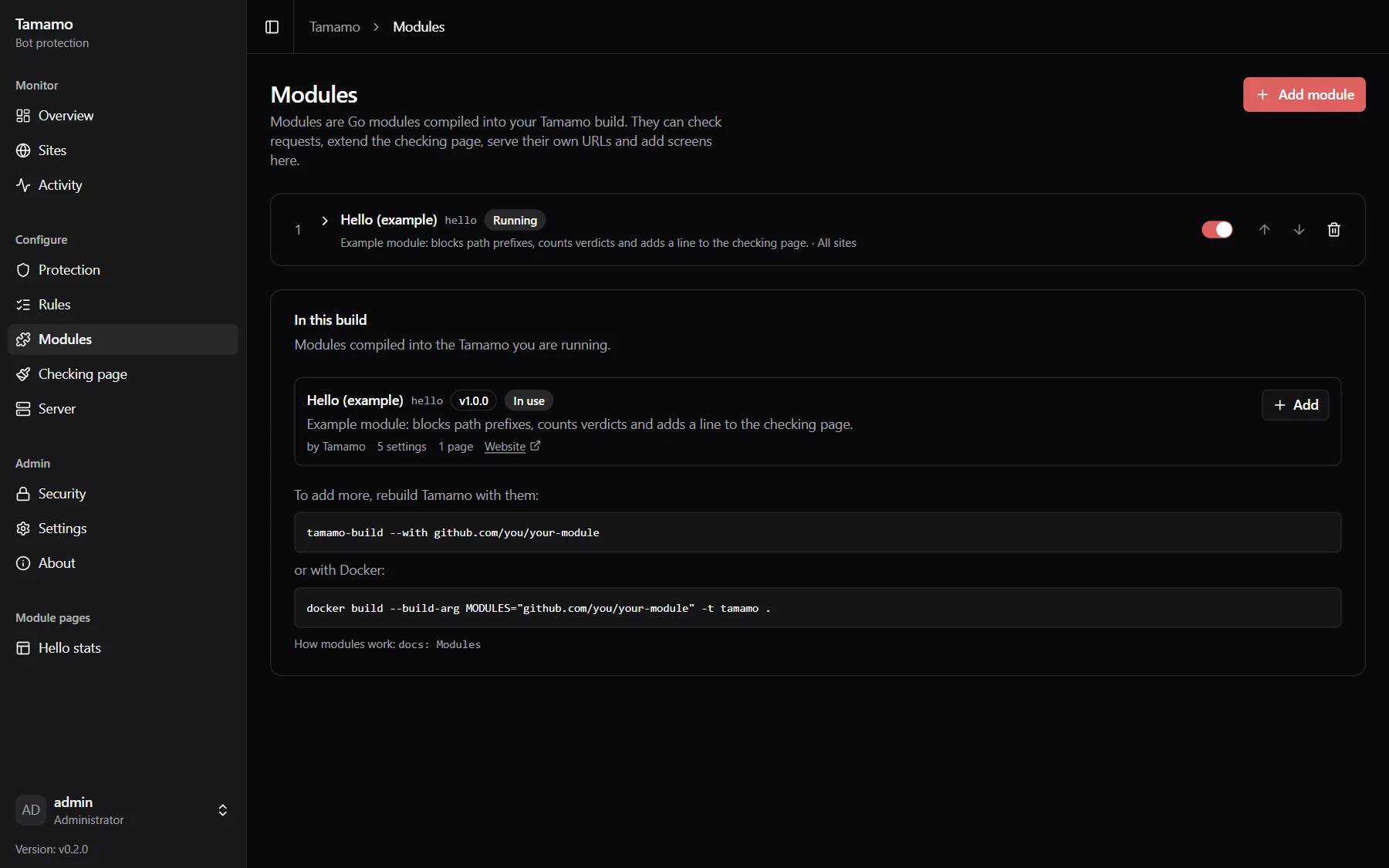
Off by default. When on, counts go to a database on your server: requests, solved checks, blocks and how long people waited.
Web UI and statistics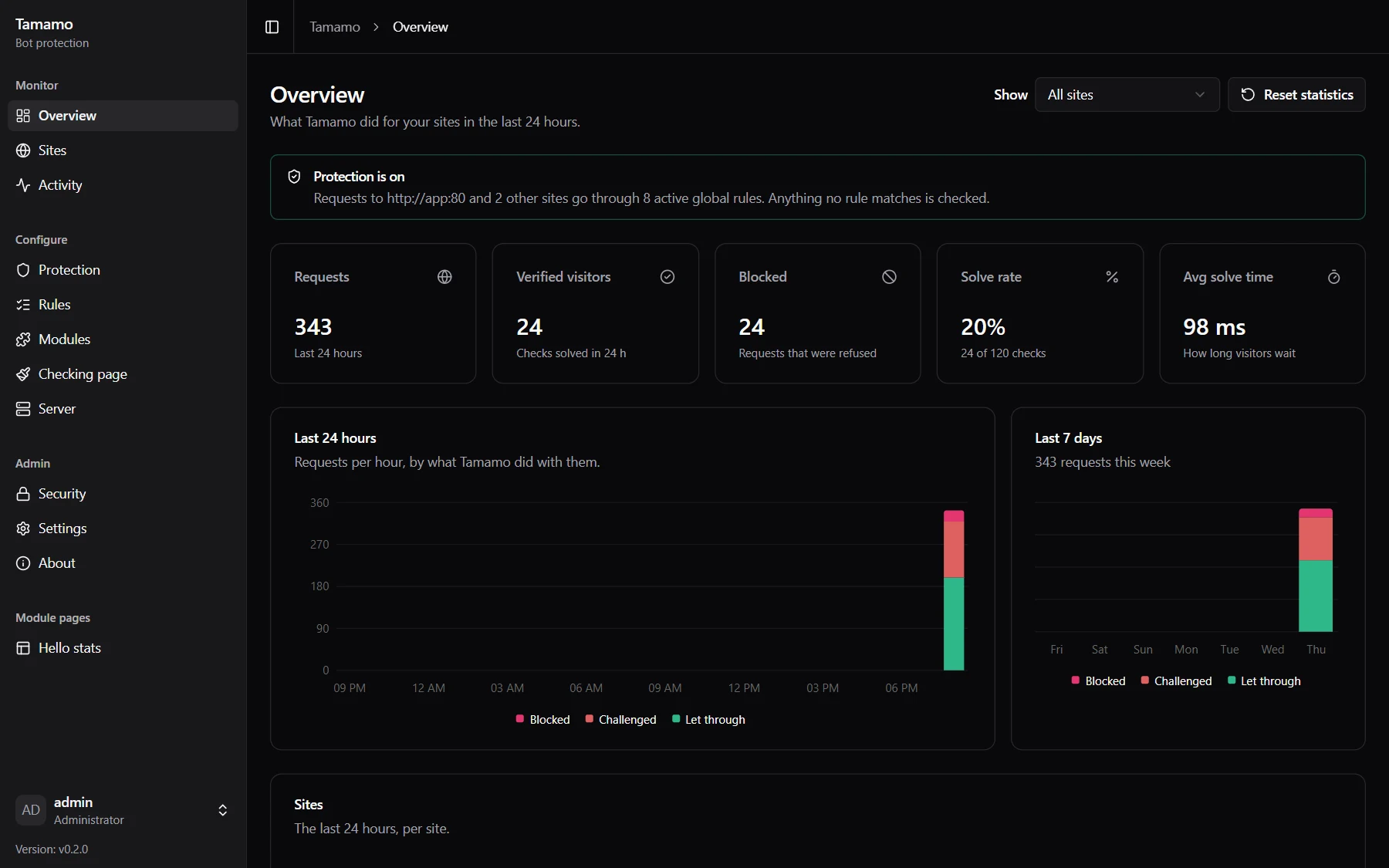
Everything lives in one file, tamamo.yaml. Environment variables can override a field and lock it in the web UI.
# data/tamamo.yaml
server:
  target: http://app:80

rules:
  - name: Block SEO scrapers
    action: block
    user_agents: ['*AhrefsBot*']
  - name: Check everyone else
    action: challenge
    paths: ['*']

sites:
  - name: Shop
    hosts: [shop.example.com]
    protection:
difficulty: 5Two containers, or one if you skip the web UI. Point Tamamo at your site and put it behind your HTTPS proxy.
Installation guide